People often use UI and UX like they mean the same thing. They do not. Mixing them up leads to websites that look polished but feel frustrating, or sites that are logically structured but visually unclear. At Ulisses – the creative powerhouse owned by award winning designer Uriya Ganor – we have spent 20 years helping brands align strategy, design, and performance across global markets. One of the fastest ways to improve results is to understand what UI design and UX design actually do, where they overlap, and how to evaluate them in a real project. This post breaks down the difference in plain language, shows how each discipline impacts conversions, and gives you a practical checklist you can use before your next redesign.
UI vs UX: How They Work Together to Drive Clarity and Conversion
UX Design Is the Experience, Not the Screens
UX stands for user experience. UX design is the process of making a product or website easy to understand, easy to use, and aligned with what users are trying to achieve. It includes research, information architecture, user flows, content structure, interaction patterns, and usability testing. A strong UX reduces confusion and helps users move forward with confidence.
Think of UX as the journey. If someone lands on your homepage, UX determines whether they can quickly answer key questions like:
-
What does this company do?
-
Is it for me?
-
What should I do next?
Good UX is often invisible. It feels like things are simply where they should be.
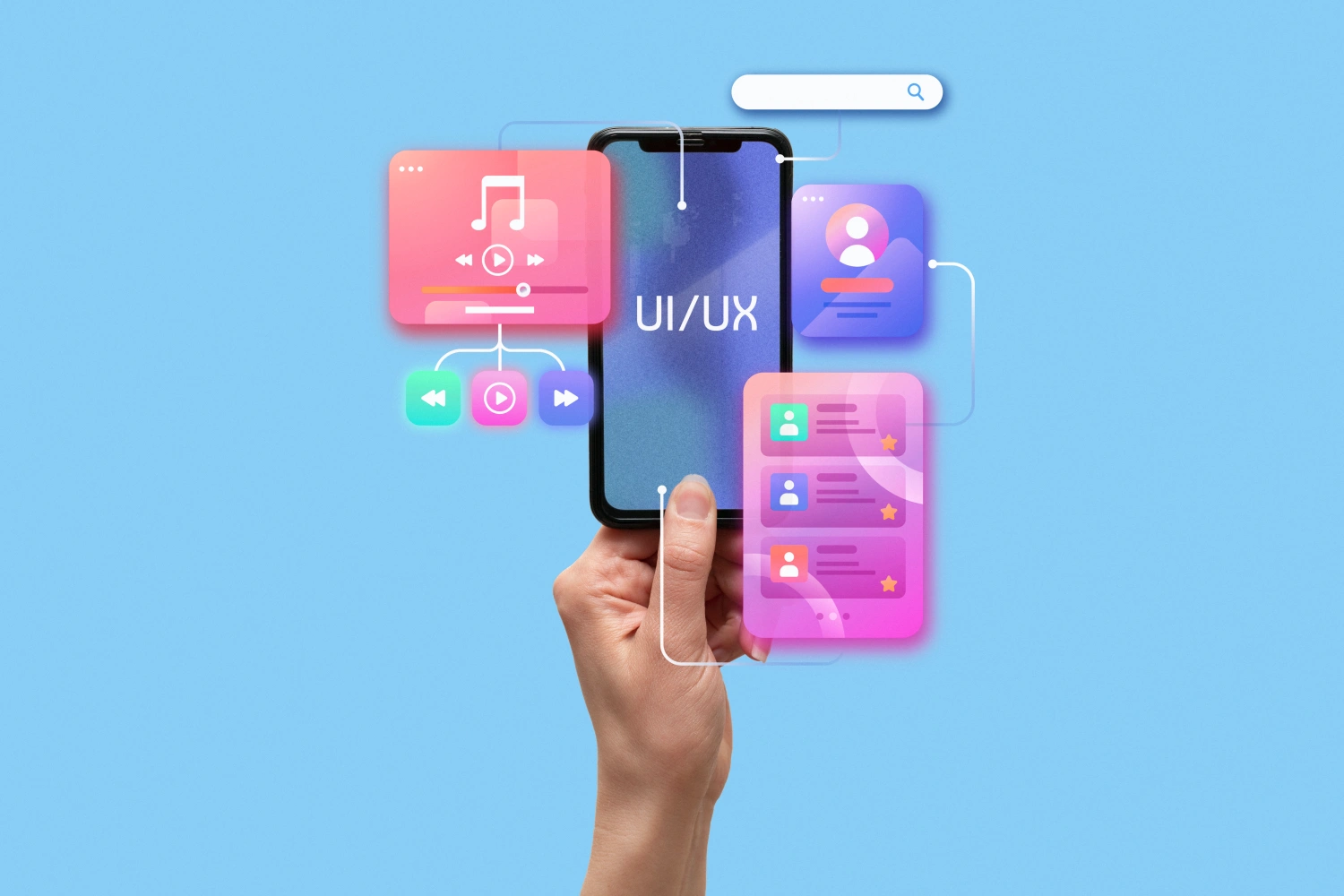
UI Design Is the Interface Users Touch and See
UI stands for user interface. UI design is the visual and interactive layer people actually engage with: typography, color, spacing, buttons, states, icons, imagery, and layout. UI sets the tone and supports readability. It also reinforces brand identity, which matters for trust.
UI is not only about beauty. It is about clarity. A well designed UI makes hierarchy obvious, creates strong contrast, and helps users understand what is clickable, what is important, and what is secondary.
A strong UI can make users feel calm and in control. A weak UI can make the same UX structure feel difficult.
The Simplest Way to Remember the Difference
A practical way to think about UI vs UX is this:
| Discipline | Primary focus | Success looks like |
|---|---|---|
| UX design | Flow and structure | Users complete tasks easily |
| UI design | Visual clarity and style | Users understand and trust fast |
UX decides what should happen. UI decides how it should feel and how clearly it communicates.
Where UI and UX Overlap in Real Projects
In real work, UI and UX overlap constantly. A designer might adjust a layout for visual balance, but that change can impact scanning behavior and comprehension, which is UX. A UX decision might reduce steps in a form, but if the UI labels and spacing are weak, users still make errors.
Common overlap areas include:
-
Navigation and menus
-
Form design and error states
-
Content hierarchy and readability
-
Call to action placement and clarity
-
Mobile responsive behavior
That is why the best outcomes come from teams that treat UI and UX as one connected system, not separate tasks.
What Happens When You Prioritize UI Over UX
Many brands invest heavily in visuals first. They redesign a homepage, choose a trendy typeface, and apply a new color palette, but conversions do not improve. The reason is simple: UI cannot fix a confusing structure.
Signs you have a UI first problem:
-
The site looks modern, but users still cannot find information
-
Bounce rate is high on key landing pages
-
Users click around without progressing
-
Support requests repeat the same questions
-
Sales calls begin with basic explanations
UI upgrades can increase trust, but if the user path is unclear, that trust does not turn into action.
What Happens When You Prioritize UX Without Strong UI
The opposite problem also happens. A site can have a solid structure but still feel unpolished or hard to scan. Weak UI can reduce perceived credibility, which is critical in competitive markets. If the interface feels inconsistent or generic, users hesitate.
Signs of a UX first, UI second gap:
-
Pages feel text heavy and tiring
-
Headings do not guide scanning
-
Buttons do not look clickable
-
Visual hierarchy is inconsistent across templates
-
The brand identity feels missing inside the experience
Strong UI makes UX easier to understand. It is the difference between a path that exists and a path that feels obvious.
How UI and UX Affect SEO and Organic Performance
SEO is not only keywords. UX design influences user behavior signals like time on page, engagement, and whether people continue to other pages. Clear information architecture helps search engines understand topical relationships across your site. Internal linking and content structure are also UX decisions.
UI influences SEO indirectly by improving readability and usability, especially on mobile. If text is too small, contrast is weak, or spacing is cramped, users leave sooner. That can hurt performance even when the content is excellent.
When Ulisses builds websites, we treat SEO, UX, and UI as one system:
-
UX shapes intent based pages and user flows
-
UI supports scanning, trust, and interaction clarity
-
Content ties the brand voice to what people search for
A Practical Checklist Before You Redesign
Use this quick checklist to align UI and UX before you start designing screens:
-
Define the primary user goals for each key page
-
Map the user flow from entry to conversion
-
Audit navigation labels using customer language
-
Set a consistent typography scale and hierarchy
-
Validate buttons, states, and forms across mobile
-
Check trust cues like social proof and clarity of claims
-
Test with real users or internal stakeholders who have not seen the design
If you do these steps early, you reduce revisions and improve outcomes.
How Ulisses Approaches UI and UX Together
Our process starts with strategy and clarity. We align brand positioning with user intent, then build structure through UX design: site map, page hierarchy, and content flow. After that, we design the UI to express the brand identity and improve readability. We document rules as a lightweight design system so the website remains consistent as it grows. This approach keeps teams fast, consistent, and focused on results.
UI vs UX is not a debate about which matters more. It is a partnership. UX makes the journey logical and frictionless. UI makes the journey clear, trustworthy, and enjoyable. When they work together, your website feels effortless, your brand feels premium, and your conversions improve without needing louder tactics. If you want a site that looks great and performs better, Ulisses can help you connect UI design and UX design into one cohesive system led by Uriya Ganor.